Bootstrap and Vite

What is Vite?
Vite is a frontend build tool focused on a fast development server and optimized production bundles. This guide uses Vite with React, TypeScript, and the SWC transform settings used by the Idea React documentation site.
Setup
Create a project directory and initialize its package manifest:
mkdir my-project
cd my-project
pnpm init
Install Idea React and its runtime peers, along with Vite and the SWC-based TypeScript transformer:
pnpm add idea-react@next react react-dom mobx mobx-react
pnpm add -D vite unplugin-swc @swc/core typescript @types/react @types/react-dom
Use idea-react without @next after a stable release.
Project structure
Create an HTML entry point, a React module, and the Vite and SWC configuration files:
my-project/
├── index.html
├── package.json
├── src/
│   └── main.tsx
├── swc.config.mts
└── vite.config.ts
Configure Vite
Register the SWC plugin in vite.config.ts:
import swc from 'unplugin-swc';
import { defineConfig } from 'vite';

import { swcOptions } from './swc.config.mts';

export default defineConfig({
    plugins: [swc.vite({ ...swcOptions, tsconfigFile: false })]
});
SWC compiles TypeScript, TSX, and the ECMAScript decorator (stage-3) used by MobX; these options transform
source files rather than type-checking them. Add swc.config.mts:
export const swcOptions = {
    jsc: {
        target: 'es2015',
        parser: {
            syntax: 'typescript',
            tsx: true,
            decorators: true
        },
        transform: {
            decoratorVersion: '2022-03',
            useDefineForClassFields: true,
            react: { runtime: 'automatic' }
        }
    }
};
In index.html, add the mount point, load the Bootstrap styles, and point to the TSX module:
<!doctype html>
<html lang="en">
    <head>
        <meta charset="utf-8" />
        <meta name="viewport" content="width=device-width, initial-scale=1" />
        <title>Idea React with Vite</title>
        <link
            rel="stylesheet"
            href="https://unpkg.com/bootstrap@6.0.0-alpha.1/dist/css/bootstrap.min.css"
        />
        <link
            rel="stylesheet"
            href="https://unpkg.com/bootstrap-icons@1.13.2/font/bootstrap-icons.css"
        />
        <link rel="stylesheet" href="https://unpkg.com/idea-react@next/dist/index.css" />
    </head>
    <body>
        <div id="root"></div>
        <script type="module" src="/src/main.tsx"></script>
    </body>
</html>
Add scripts to package.json:
{
    "scripts": {
        "dev": "vite",
        "build": "vite build",
        "preview": "vite preview"
    }
}
Run the development server or build the application:
pnpm dev
pnpm build
pnpm preview
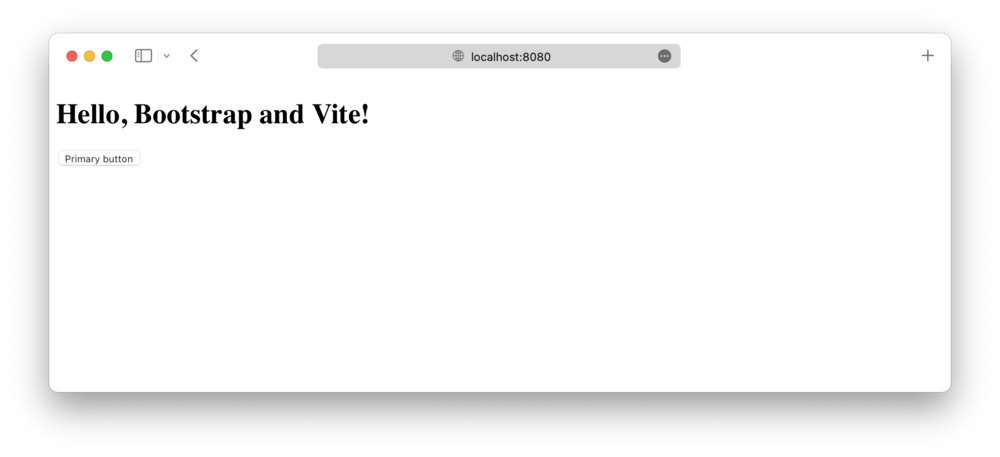
Import Bootstrap
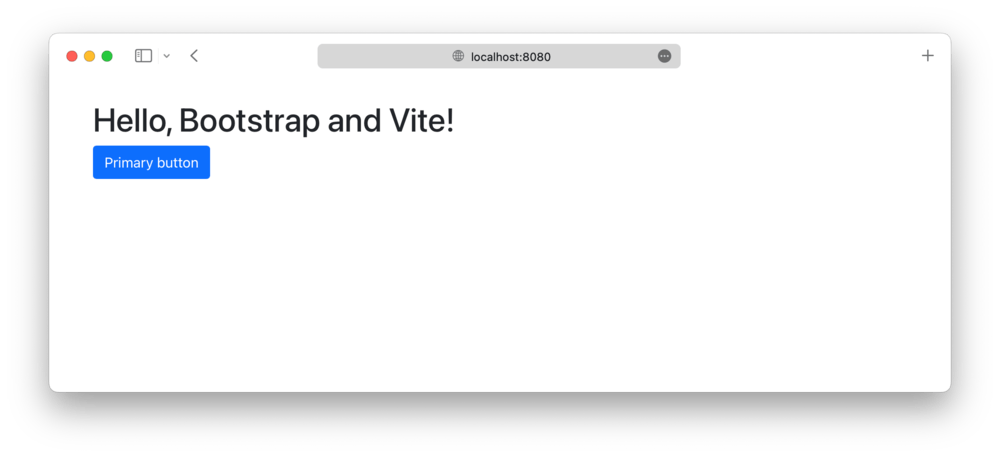
The stylesheets loaded by index.html provide the compiled Bootstrap and Idea React component
styles. Import the library from its public package entry point in
src/main.tsx:
import { createRoot } from 'react-dom/client';
import { Button, Container } from 'idea-react';

createRoot(document.getElementById('root')!).render(
    <Container>
        <h1>Hello, Idea React and Vite!</h1>
        <Button variant="solid" theme="primary">
            Get started
        </Button>
    </Container>
);
Idea React's React components provide their own behavior, so importing Bootstrap's JavaScript bundle is unnecessary.
Starter template
To skip the manual setup, start from Vite-React-MobX-Bootstrap-ts, a React project scaffold based on TypeScript, MobX and Bootstrap, powered by Vite. Its live demo shows the result.